> For the complete documentation index, see [llms.txt](https://4sh-templates.gitbook.io/opulent-os2.0/llms.txt). Markdown versions of documentation pages are available by appending `.md` to page URLs; this page is available as [Markdown](https://4sh-templates.gitbook.io/opulent-os2.0/scaling-logo.md).
# Scaling logo
##
##
##
## Section settings
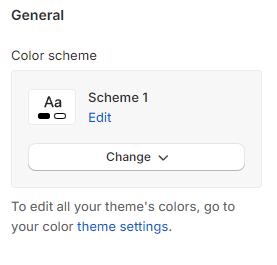
### General
Adjust the **Color scheme** for this section.
### Background settings
You can add main background **image**s for desktop and mobile versions separately.
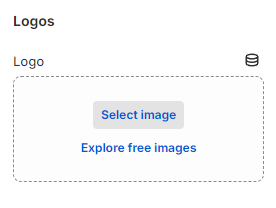
### Logos
Add an outstanding large **Logo** on the top to grab visitors' attention.
### Content
"Utilize the provided text fields to enter a suitable Heading or leave it blank if you prefer not to display it. The call-to-action button will direct customers to the desired pages. Assign a label to the button (leave it blank to hide the button), specify a Button link, and choose a Button style (Primary, Secondary, Underline, White)."